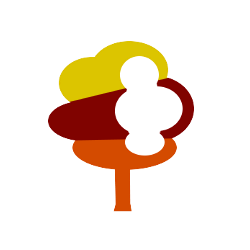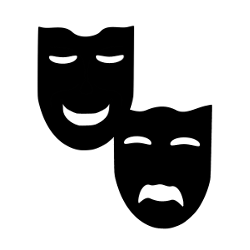
Sample Hexographer Icons from Inkwell Ideas’ New Patreon Campaign
Over the past few days we’ve been previewing samples from our new Patreon campaign. (See prior posts for samples to use with Dungeonographer, Cityographer, and the Coat of Arms Design Studio.) We’re using the campaign to fund additional icons and continued development for all of our software. To show you what you’ll get, we’ve released these samples. Through Patreon, each month we’ll put together at least one pack of 15+ icons for each of our 4 programs. (60+ icons in all, and some months we may do two packs of 60+ icons each.) Plus, some icons can be used in multiple tools.
These icons will be PNG (or SVG for the Coat of Arms graphics) and therefore use-able in general image editors as well as other map programs that accept those formats.
In this post we’re showing a few icons for use with Hexographer. To use them as new terrain or feature icons in Hexographer save them to your computer, then go to the “Configure Hexes” tab in an open map. You can use these to replace an existing icon or add a new icon on that tab. Enter/change the name and other details and use the matching file chooser to select the icon file. Or if you want to use them as map items, go to the map items tab and scroll down to look for the “import custom map item” button for a file chooser to select the icon file.
With that out of the way, here are the icons: