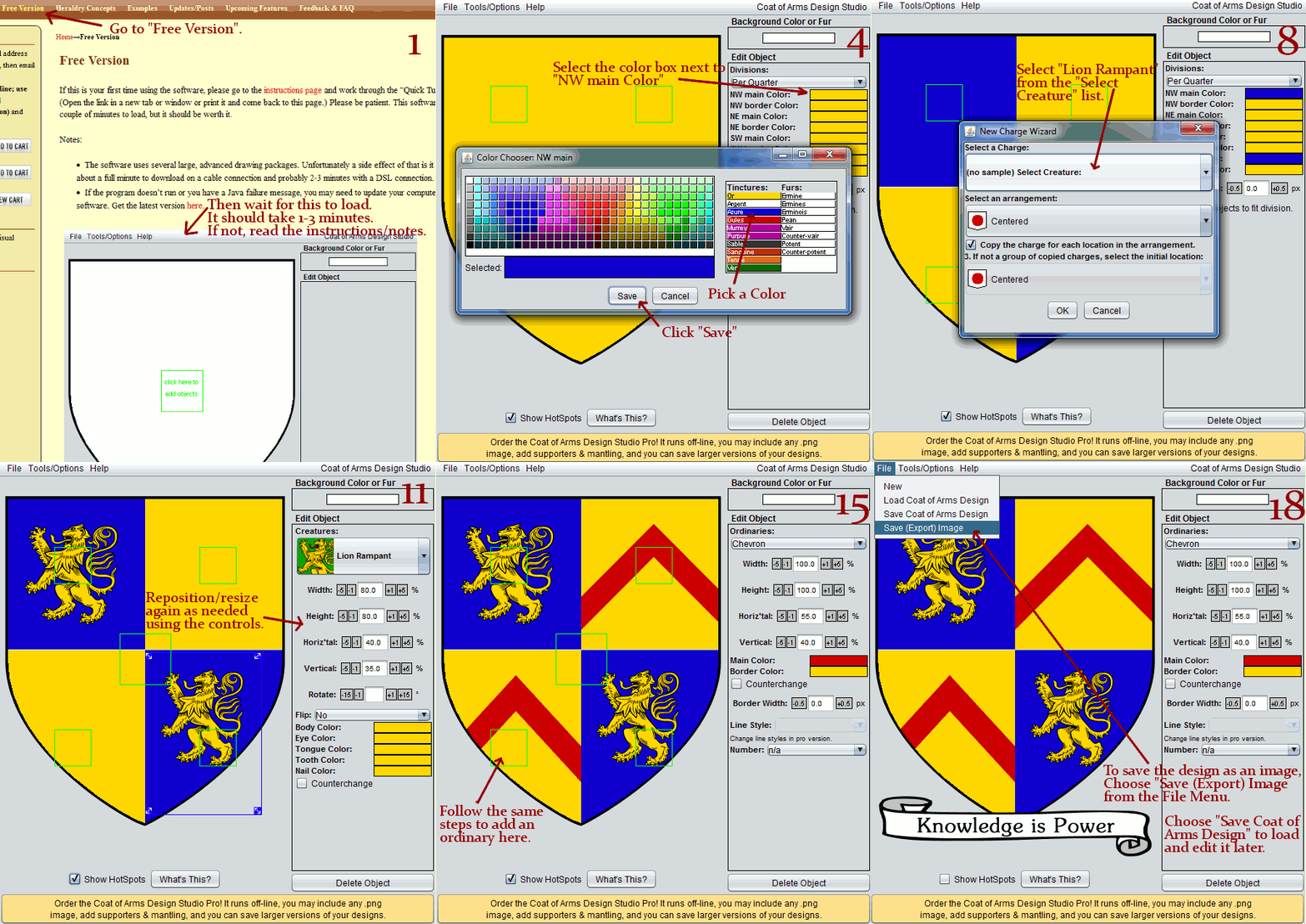
More Shield Shapes, Plus Order Custom Graphics

Based on a recent suggestion I’ve added three new shield shapes:  circle, vertical flag, and horizontal flag.  These are all in the free and pro versions via the “Select Shield Shape” sub-menu of the “Tools” menu.

And now we’re offering custom charge graphics (symbols and creatures.)  If you’ve got the pro version, you can click the green boxes to add new charges.  A recently added pop-up menu option lets you import/add a custom image.  You can now work with Inkwell Ideas to get exactly the graphic you need.  Even though the software comes with 400 graphics, there’s always a chance it doesn’t have something you need.  In the past I’d take requests and maybe in 6 months it would get added to the software.  Now you’ll be able to get it much faster.  The process goes like this:

  1. Use the “Custom creature or symbol graphic” order button to the left.
  2. You’ll receive an email within minutes of purchasing asking you to send a short description of the creature or symbol to a specific email address.
  3. You’ll get confirmation that assignment has been accepted or a request for more details within one business day. Until the request has been accepted this repeats to ensure you will get the graphic you want.
  4. Your graphic will be emailed to you usually within 2-3 business days.  5 at the most.

You’ll be able to import your graphic into the software immediately using the “Add a custom graphic” option when you click on the green box.  It will work just like the other built-in graphics: it will look sharp even when re-sized, you can move it and you can even re-color it using the Coat of Arms Design Studio.

Even though you can import it immediately, at some point in the future the graphic may be added to the set of built-in graphics or it may be part of some other add-on product.

New Pro Version Features: More Shield Shapes, Import SVG Graphics

About a week ago a new version of the Coat of Arms Design Studio was released.  Because these are significant new features, I felt it best to “soft launch” the new version.  This concept is to not publicize the change so that if there is a problem it can be fixed before too many people run into the bug.

The new shield shapes are all for users of the Pro version.  Previously in the free and pro versions you could go to the “Options” menu to select a lozenge or plain rectangle in addition to the traditional shield shape.  Now there are five more options, but these new options are only available in the Pro version.  (See the left sidebar to order it.)

Also for Pro version users there is a new option to add an SVG graphic.  When you click on the green squares to add objects to the design, you’ll see an “Add an SVG Image” pop-up menu item.  This is still experimental because it only works properly with about 1/2 of the SVG images I’ve tried, but it is very useful so I thought I would include it now.  It is even more useful that adding other images because it will detect which colors are used in the image and let you change them in the Coat of Arms Design Studio software just like you can with the built-in images. (Resizing and repositioning also work.)  I plan to debug this feature further so it will hopefully work with most SVG graphics.

To see if you’re using the latest version, go to the software’s “Help” menu and select “About.”  The version with these features is version 1.0 or later.  In most cases, you get the updated version when you next use the software.  However, if you bought the pro version and need the download link again you may always email support at inkwellideas dot com to get the download information re-sent to you.

Settling into the New/Old Site

We’re in the process of re-settling into this site.  We had the site setup this way (but with a different look) over a year ago. However, at the time the server was having issues and it was suggested we do a much lower-tech website.  Other changes occurred in the interim, and now we’ve re-activated the more advanced version of the website, albeit with a different look.  We’re still working on the look, so things may be out of place for a bit.  If you notice something that needs attention, please post a comment.

Oh, and there’s a new version of the software out too.  But it is in a “soft launch” phase (where we don’t promote the update) in case a few of the first people to use it notice problems. There will be a more formal announcement shortly.

Decorative Edge Lines Added to Some Ordinaries

Decorative line style of a bend dovetailed.

Decorative line style of a bend dovetailed.

In the pro version, you may use decorative edge lines for some ordinaries. Bend, Pale, Fess, Chief and a few other common ordinaries can now be Raguly, Nebuly, Dovetailed, Embattled, etc. Currently there are a couple hundred combinations and we hope/plan to add more!

To change the line style:

  1. Add an ordinary to your design
  2. Once you have selected the specific ordinary type a “Line Style” drop-down-list will be populated with options based on the selected ordinary.  (Note: Not all ordinaries have this feature yet.)

If you’re using the free version the line style options are not available.

Helms, Mantling & Supporters added to the Pro Version

Example coat of arms with a helm & mantling.

Example coat of arms with a helm & mantling.

The new version of the Coat of Arms Studio has been released! It includes about 50 new charges (a couple creatures but mostly other things such as leaves, a key, staffs, bells, weapons) and several other revised charges. The new charges are those without thumbnail pictures in the software, which will be added shortly. (Screenshot also coming later today.)

For those with the pro version, you can now add Helms, Mantling, Supporters, and other parts of a full achievement! Simply click the green box in the software and choose “Add a Supporter” for supporter or “Add Mantling” for mantling, a torse and helms. The new version is .83 (go to the Help menu and choose “About” to check the version) and pro users should get it automatically. If you don’t get it automatically, simply visit the same download page where you installed it before or email support: support at inkwellideas dot com.

New Coat of Arms Design Studio Version Posted

Unfortunately not as much got into this update as originally planned. The biggest new feature is the ability to add furs to Ordinaries. (Adding furs to Charges caused a few bugs that I wasn’t able to solve quickly so that feature was dropped.) Decorative partition lines was also dropped, but I plan to attack that again in the next version. It is something I really want to get in, but only recently did I have a good approach to writing the code for it. I’m hoping my approach will get even better when I attempt it again.

There are a few new ordinaries such as Quarter Sinister and Canton Sinister and Baton and Baton Sinister by request. I added a slew of new creature charges: Buck’s Head Couped, Bull Passant, Bull Rampant, Cameleopard, Centaur, Elephant and Castle, Enfield, Heron, Hind, Leopards’ Head Face, Leopard’s Head Erased, Leopard’s Head Erased Affronte, Moorcock, Paschal Lamb, Ram Salient Demi, Serpent Erect, Serpent Involved, Sphinx, and Unicorn Statant.

I also improved the process I use to get new releases out so things are a bit easier on me and for the Pro version I made the license key work a little better. (It saves the key in a different way.) There are probably a few other minor fixes as well. OK, on to the work of the decorative partition lines unless someone there are some bug reports.

To get the update for the free version, you may need to restart your browser if you used it recently. To confirm you have the update go to the “Help” then “About” menu and you should see version “0.75.” If you installed the Pro version with the “new” method (which uses Java Web Start) you should get the update automatically the next time you use the tool and are online. If you used the old method to install the pro version (where you downloaded a zip file and unzipped) you should go to the download page (linked in the email you received with the license) and install the software using the new process.

Software Updated: Better Shield Shape, Better Name/Motto Scroll and 15 New Charges

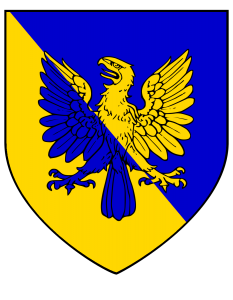
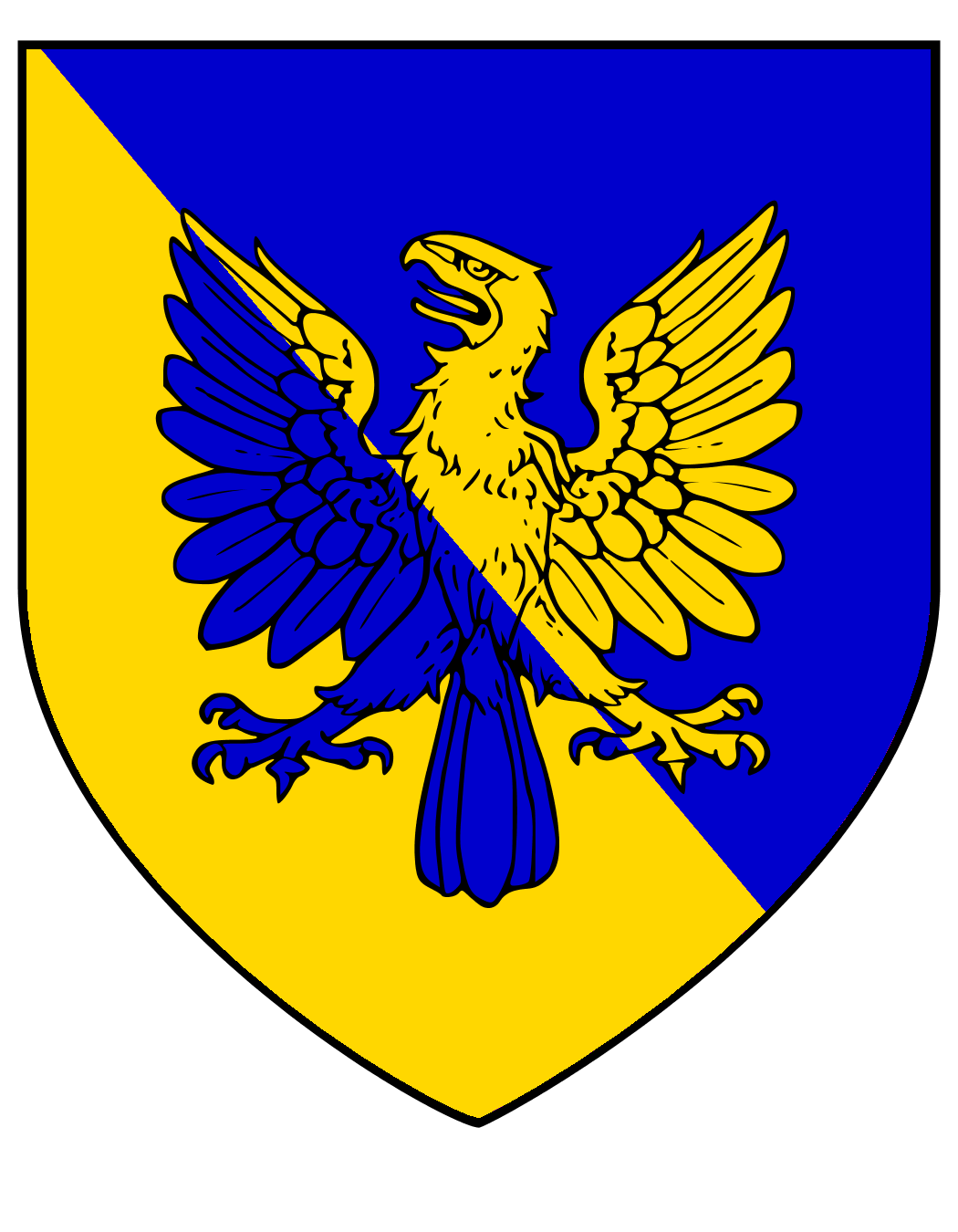
Smaller version of a coat of arms created with the software.  It has the new shield and scroll shape and one of the new charges.

Smaller version of a coat of arms created with the software. It has the new shield and scroll shape and one of the new charges.

I released an update to the Coat of Arms Visual Designer software last night. You can access it on the same “Design Software” web page.

This version has a nicer default shield shape.  (The prior default shape didn’t start to curve until further down the length of the shield, but also the curve was not as smooth.  This is closer to the classic french design.) Other shield shape options will be added in time, but for now one can also choose a “Lozenge” (used by noble women) or a plain rectangle.  (To switch shield shapes in the software go to the “Tools” menu and choose “Set Shield Shape.”  Related to this change, many divisions and ordinaries have special behavior so they look more centered.  Because this new shield shape (and many others) cut away the sides of the shield toward the bottom, to make some divisions and ordinaries look visually centered, those divisions and ordinaries need to be shifted up when used on these shield designs.  I’ve done that in the most common cases, but I may have a few more to do.

The old and very rectangular name/motto scroll was replaced with a much prettier and curvier scroll based on a scroll from a public domain image.

Finally, 15 new charges were added.  14 are animals:  Squirrel erect sejant, stag at gaze, stag lodged, stag statant, stag trippant, talbot passant, talbot rampant, talbot sejant, talbot statant, wolf courant, wolf salient, wolf statant, wyvern erect, and wyvern wings displayed.  One new charge is a symbol: trefoil.

Coming next: More charges (this time I’ll try to address some of the long overdue requests, but this last time I wanted to do a bunch so I picked some that were relatively easy), more divisions/ordinaries, more shield shapes, and maybe borders, supporters or a downloadable version of the software.  (However, I will probably only try for one of those last features per new release.)

Coat of Arms Visual Designer Updates are on the Way

I’m happy to announce that an update for the Coat of Arms Visual Designer is on the way.  I was busy with a couple of other projects that prevented me from making updates over the past six months or so. But over the past couple of days I’ve:

  • Set up the project on my new computer.
  • Updated the default shield shape with a nicer, smoother curve.
  • Went through the process of converting another image from: A Complete Guide to Heraldry by Arthur Charles Fox-Davies and Illustrated by Graham Johnston.

Before the next release, I plan to:

  • Convert more images.
  • Make an adjustment so that some shield shapes (like the default shield) will have some divisions and ordinaries centered a little higher so they look properly balanced.
  • If time permits, get a nicer scroll for the name/motto. (If time doesn’t allow for it, I’ll get this change in the next update.)
  • Make changes so the software can run stand-alone, outside a web browser.

I’ve gotten several emails with suggestions for the software, but couldn’t respond at the time and it seems odd to reply individually weeks later.  So let me say thank you, and you’ll see at least some of the changes you suggested coming soon.  (A few were already mentioned above.)

Name/Motto Scroll Fixed, More Divisions Added

Most of my project time has gone to a different project over the past month. However, I did fix a fairly big bug in the Coat of Arms Visual Designer software: the name/motto scroll was not appearing beneath the shield design. If you go to “Tools” in the software and then choose “Set Name/Motto” a pop-up window appears. Once you enter some text in the pop-up’s textfield, a small scroll should appear beneath the shield with the text you entered.

A couple of new divisions were also added and there are a few UI tweaks. For example, the green square in the center has the text “Click here to add objects” until something is added to the shield.